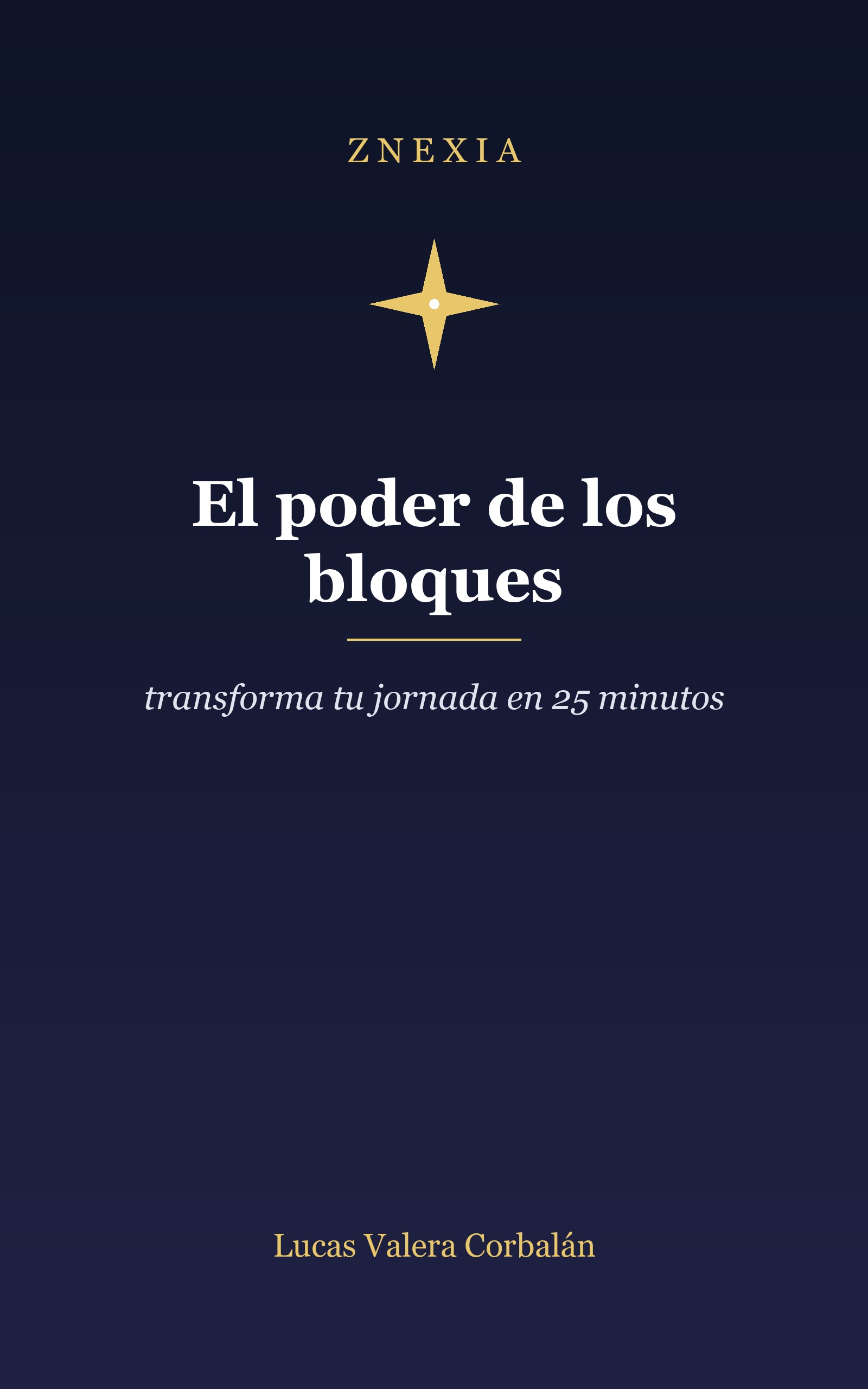
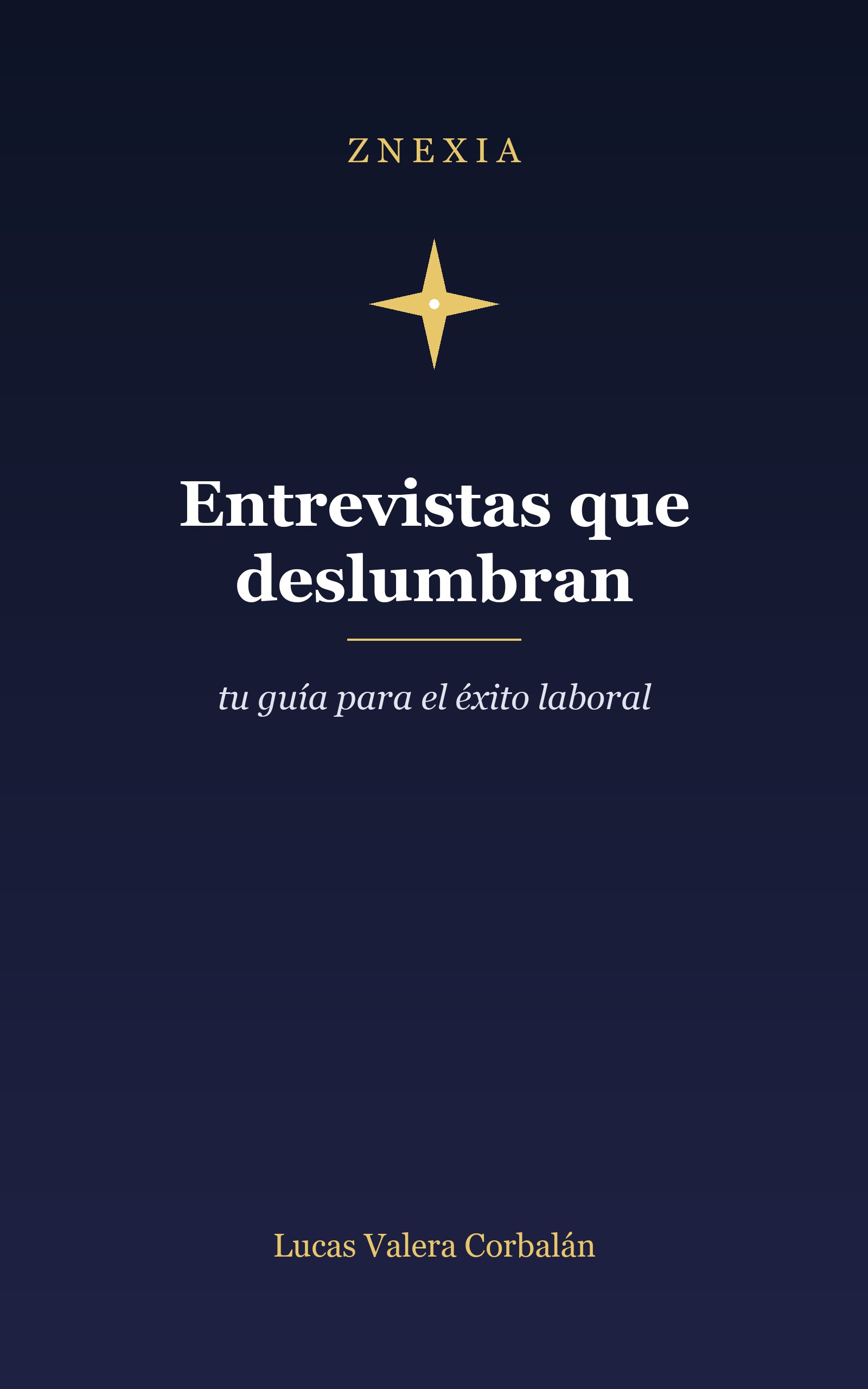
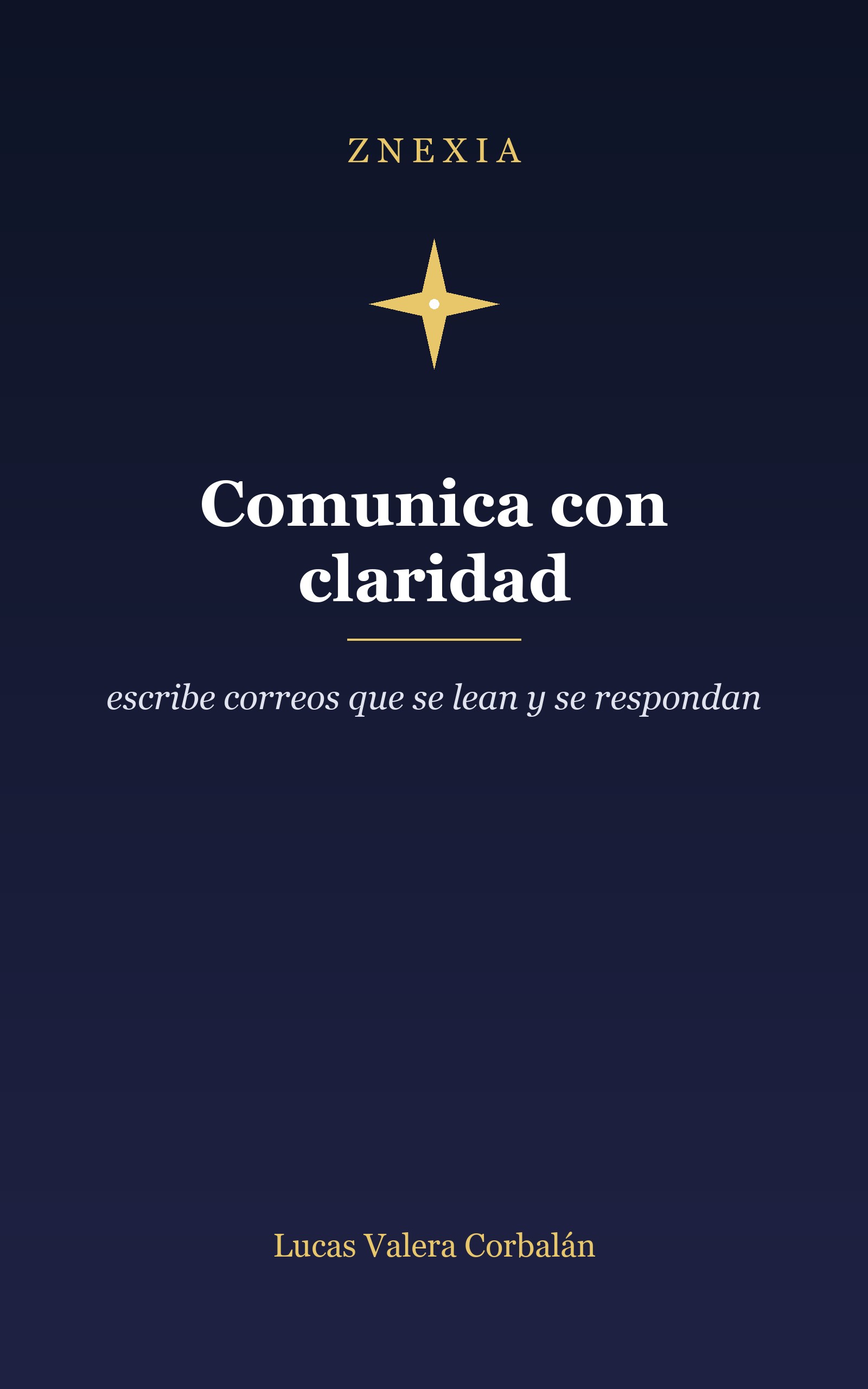
Every book shows its cover, table of contents and price before you buy.
Our books are currently available in Spanish only.
1. You choose your book
At znexia.com the books are organized by collections: money and housing, work and career, home and family, learning and creating, calm and habits, and novels. Each book has its own page with the cover, who it is intended for, the complete table of contents, word count, and if the topic requires it, warnings to read before purchasing (for example, that a money guide is not financial advice or that a cooking guide contains common allergens). This way you know exactly what you will receive before paying.
2. You pay once
When you click “Comprar” (Buy) you are taken to our secure payment page, at checkout.universoxia.com. There you see the final price including taxes: €7.99 for each guide and €4.99 for each novel. It is a one-time payment: there is no subscription or subsequent charges. For now, sales are available only from Spain.
Before paying, we ask you to check two boxes because this is required by law for digital content that downloads immediately: that you consent to the download starting immediately after payment and that you understand that once the download begins, you lose your 14-day right of withdrawal. Both checkboxes appear on the payment page itself, with their full text, before you confirm anything.
3. You download it instantly
As soon as the payment is confirmed, you receive the download link for your book in ePub format. The ePub is an open format that works on almost everything: on mobile phones or tablets with free reading apps, on computers, and on most e-ink readers. You can save copies for personal use and read it on all your devices.
4. You read at your own pace
Our guides are designed to be read in one or two afternoons, but there is no rush. Their chapters get straight to the point, with ideas you can apply that same day, and many include exercises to adapt to your situation. Novels, on the other hand, are written to be enjoyed in one sitting: they all have a closed ending.
How long it takes to read
| Book type | Length | Straight-through reading at a relaxed pace |
|---|---|---|
| Practical guide | between 9,000 and 13,000 words, approximately | between 40 minutes and one hour |
| Novel or short stories | between 11,000 and 15,000 words | between 50 minutes and a little over an hour |
Guides are quick to read, but they yield more if you do the exercises and test the ideas between chapters. That’s why we suggest setting aside one or two afternoons.
How to open your book on each device
The ePub format is the open standard for e-books. Here are the simplest ways to read it:
| Device | How to open it |
|---|---|
| iPhone or iPad | Tap the downloaded file and choose “Books”, the reading app that comes pre-installed on the device. |
| Android phone or tablet | Install a free ePub-compatible reading app and open the file from within it or from your downloads folder. |
| Kobo reader and most e-ink readers | Connect the reader to your computer via cable and copy the file to its storage. |
| Kindle | Use Amazon’s official service to send documents to your Kindle; it accepts ePub files and converts them to its own format. |
| Computer | Open it with a free e-book reader for Windows, Mac, or Linux. |
A practical tip: save a copy of the file to the cloud or your computer as soon as you download it. This way, you can transfer it to any new device without having to search for the link again.
Step by step: your first purchase
- Go to the collection that interests you and open the book’s page.
- Read the description, the table of contents, and any notices if available.
- Click “Comprar” (Buy) and check the final price on the payment page.
- Check the two boxes regarding immediate download and complete the payment.
- Download the file from the link you receive upon completion.
- Open it on your device following the table above.
and How to Solve Them
- “The file won’t open on my phone”. Almost always because you're trying to open it with an application that doesn't read ePub. Open it from a reading app, not from the document viewer.
- “I can’t find the downloaded file”. Look in the device's downloads folder or in your browser's downloads section.
- “I bought it on my phone and want it on my e-reader”. Download it on your computer and copy it to your e-reader, or send it via your e-reader's official service if available.
5. If You Have Any Problems
If the link doesn't work, if the file won't open, or if you have any questions about your purchase, please contact us through the contact page with your order number and we'll help you. It's always possible to recover a failed download.
And What We Don't
We promise clear books that have undergone a thorough quality check and are honest about their limitations. We don't promise guaranteed results: no guide can do that, and be wary of anyone who claims otherwise. What we do is tell you what usually works, with real-life examples, so you can decide what suits you.
The books by ZneXIA are written with the help of artificial intelligence, as indicated in the credits of each one, under the responsibility of CONFORT ECONOMIA, S.A.
Keep reading
Money and housing · Work and career · Home and family · Learning and creating · Calm and habits · Novels · Frequently asked questions · About ZneXIA · Contact · Start here: the gift from ZneXIA